
This user has no description yet

caitlyn_ling
Dear player,
his Halloween, spooky surprises and sweet rewards are waiting for you!
Want to enjoy a smoother gaming experience and unlock more exclusive benefits? Download Gtarcade Desktop and continue your Infinity Kingdom journey on PC!
This October, we're inviting all Lords to join our Gtarcade Desktop recruitment event! Download the desktop version, log in to your account, and enjoy the game while earning exclusive rewards.
Event Link: https://event.gtarcade.com/micro_invite3/ik2026_microinvite

Halloween Rewards: Win 2,000 GT Points!
📅 Event Period:
October 21 – October 31
👻 How to Participate:
1.Complete 7 days of check-ins on Gtarcade Desktop.
2.Share a screenshot showing your completed 7-day check-in record in the post comment before the event ends.
🎁 Rewards:
20 lucky players who meet the requirements will be randomly selected to receive 2,000 GT Points each!
We also provide help guide to instruct you how to play game on Gtarcade Desktop.
-----------Guide---------------
1.Confirm what login method you used to play on your phone. Please note GameCenter is not supported right now, stay tuned for when it will become available!
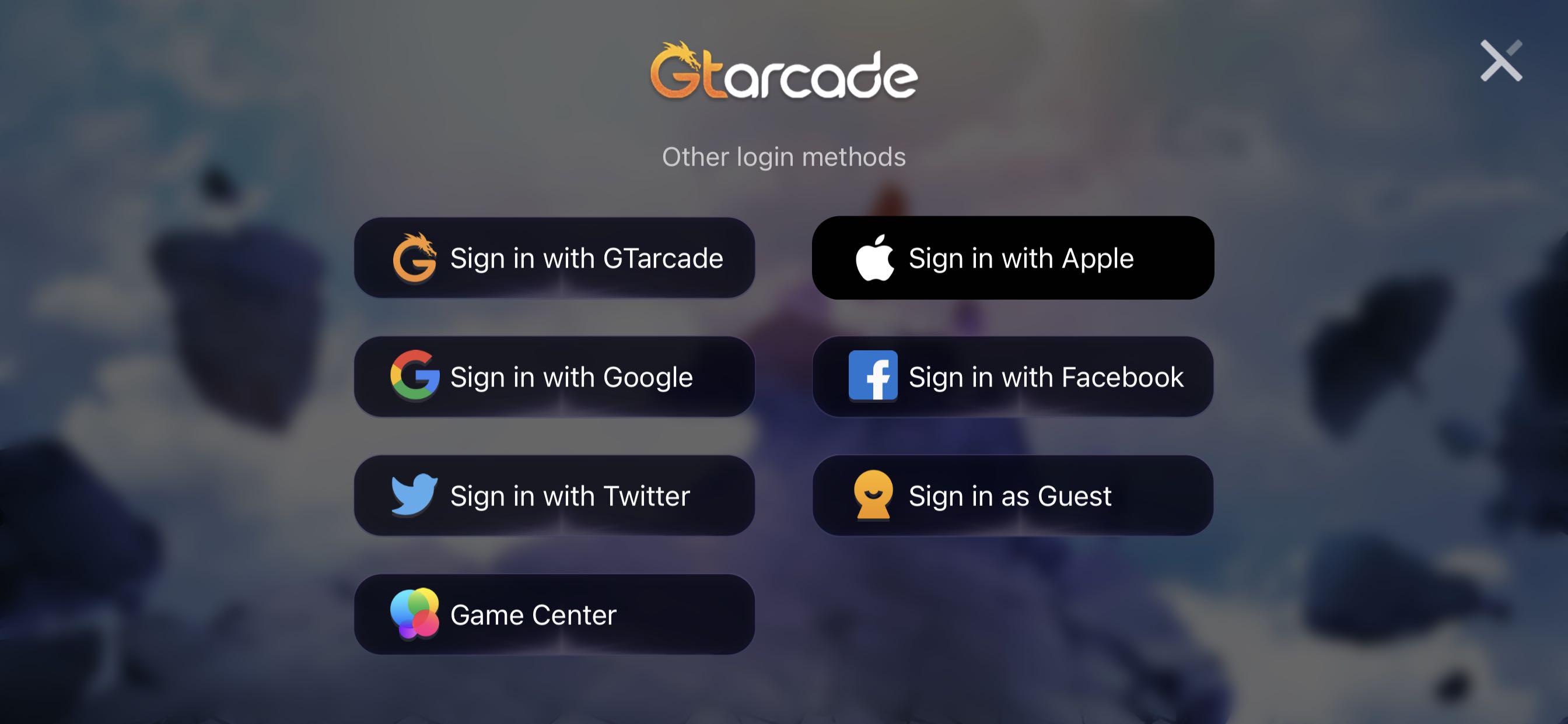
2.If you are signed in as guest, make sure to connect your account with Gtarcade in game. (Skip this step if you are not using a guest account)
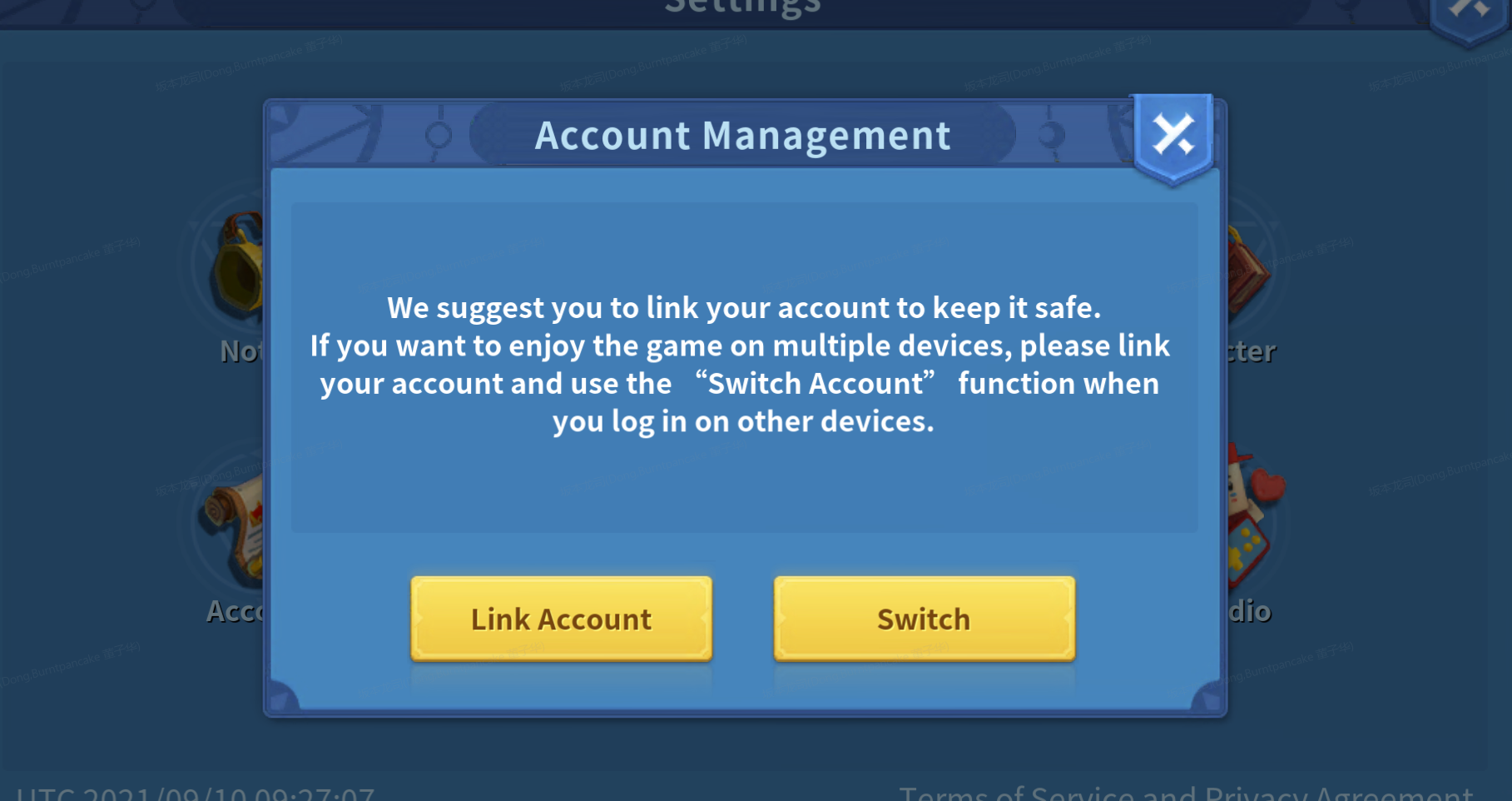
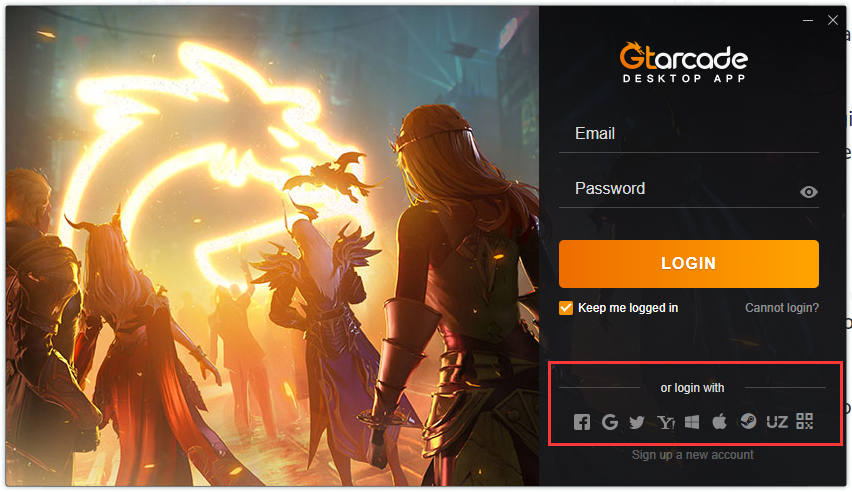
3.Download and open Gtarcade Desktop. When asked to login, select the same login method you used before. (Please note GameCenter is not supported right now)
4.Download and play Infinity Kingdom.
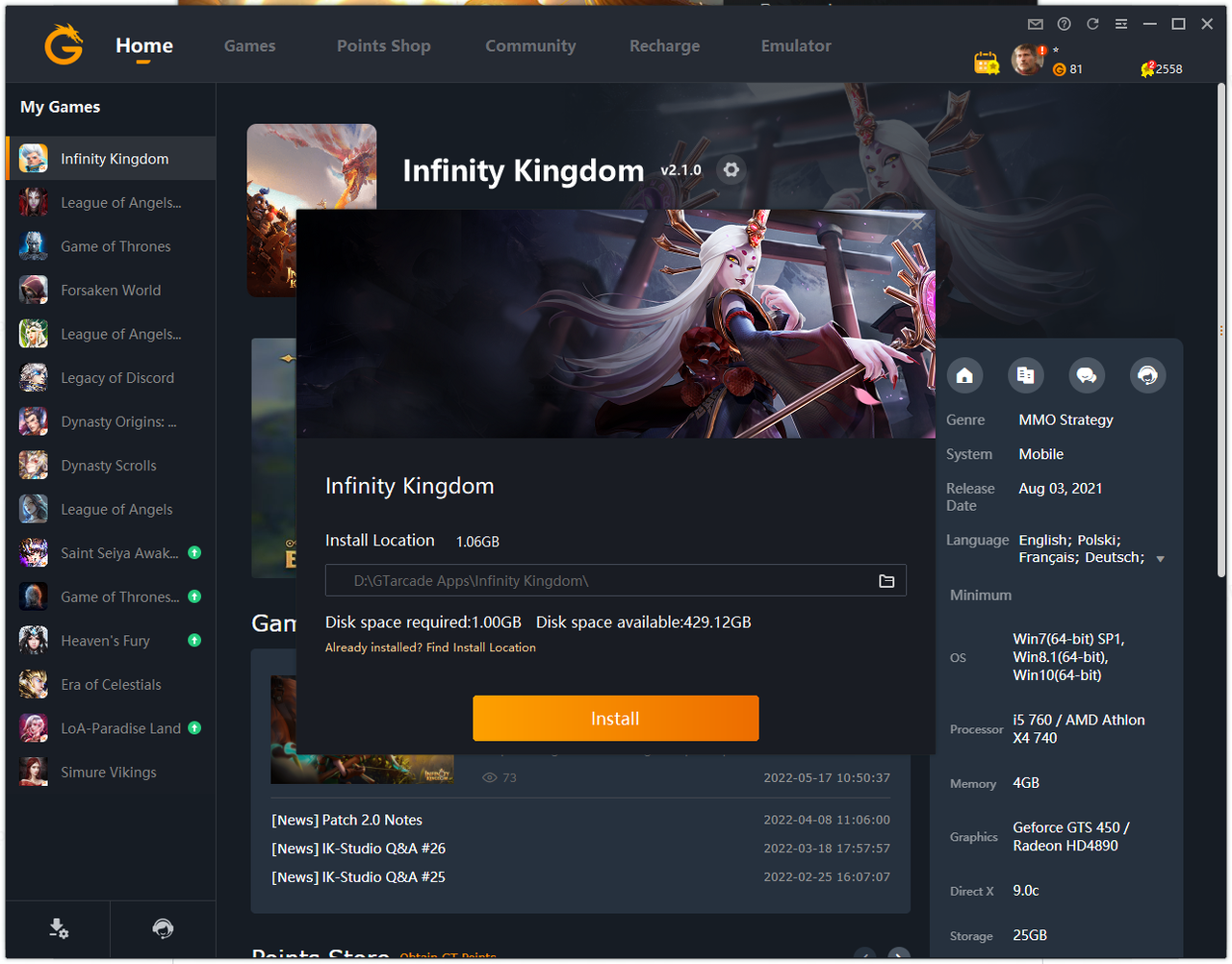
5.Redeem Infinity Kingdom giftpacks in Gtarcade Desktop Points Shop.
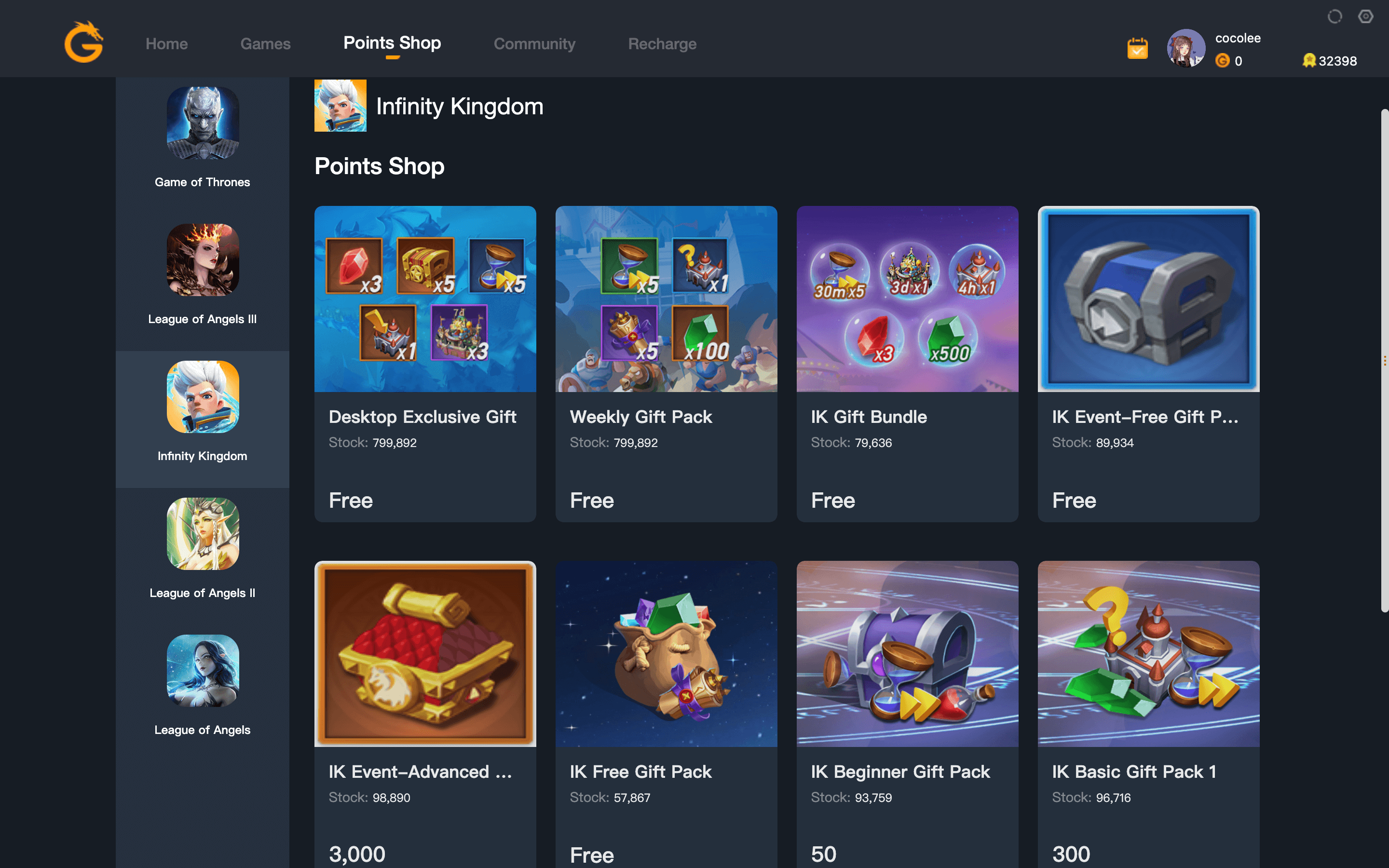
If you encounter any problems during the process, feel free to post in the official community or contact customer support!
Translate

caitlyn_ling
This user has no description yet
Popular Posts
1

【Event】Halloween Event Await! Join IK Desktop & Win 2,000 GT Points!
1K discussions 15.9K views
2

Steps to Resolve the Login Issue
6.8K discussions 22.2K views
3
Play Multiple Accounts on Gtarcade Desktop App!
3.9K discussions 10K views