
Chroniclers Junior Moderator

-mirela-

This guide reflects the author’s personal experience and the game’s content as it exists at the time of writing. Future updates may alter features or introduce new content.
Here is a comprehensive guide for the Siege of Winterfell
The Siege of Winterfell is played on a real-time strategy map: your alliance will either join as Starks or the Greyjoys. The objective is to occupy bases to generate points. The Starks or Greyjoys with the most points will win the battle; if the result is even, the Alliance with the highest power will win by default.
The battle map
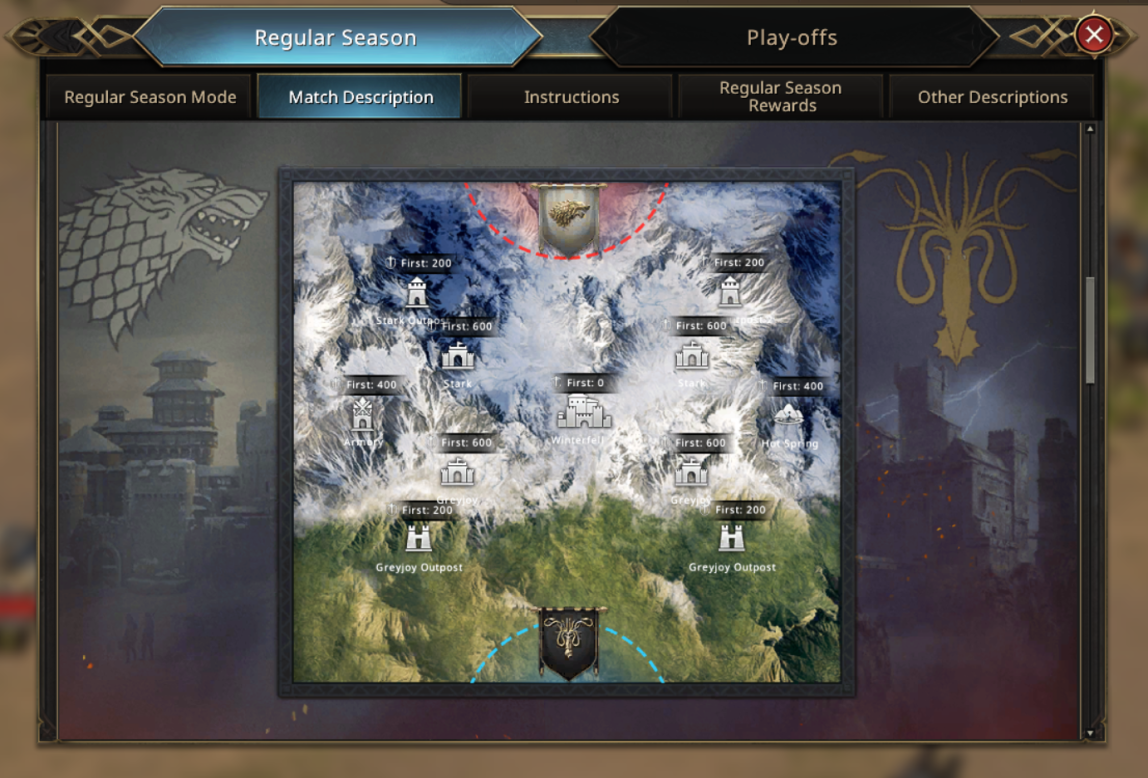
As you can see in this image, it has a troop capacity restriction that you can take into the battle.

Players are laying siege on building locations around Winterfell base, to reduce march times when Winterfell produces a bag and have to deliver it to an occupied base, each produced bag has a different generation of points.

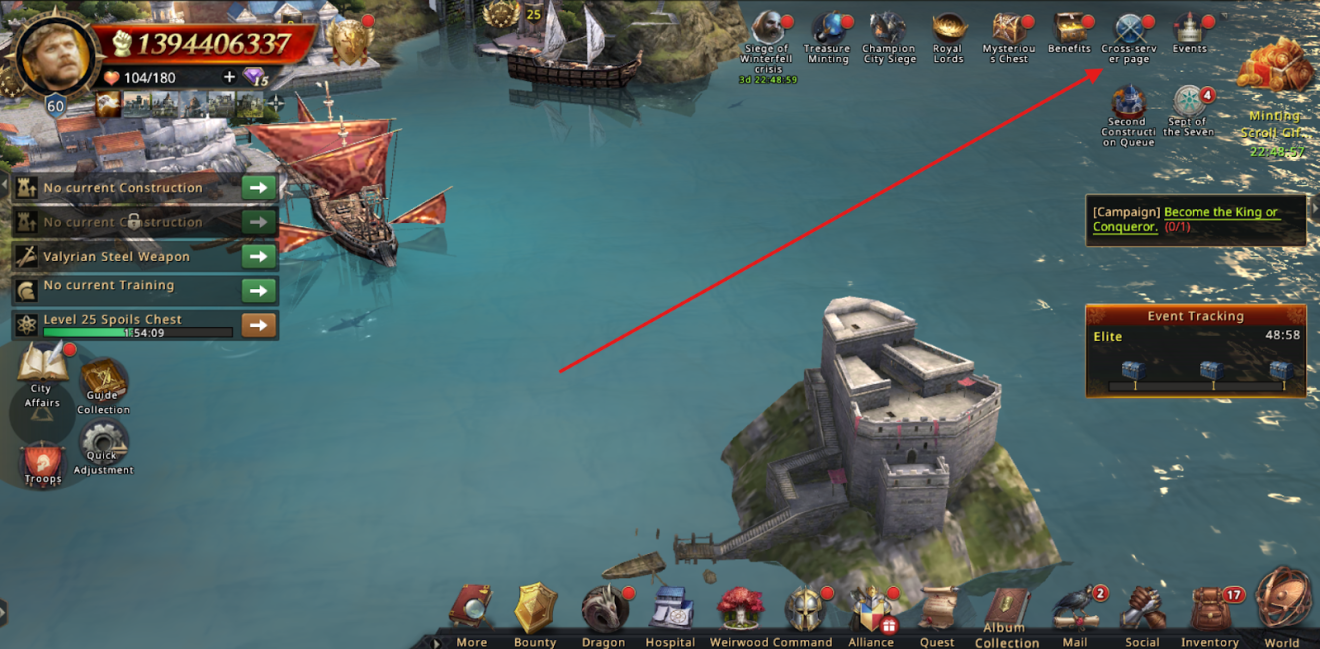
How to navigate in-game to view the cross-event page?
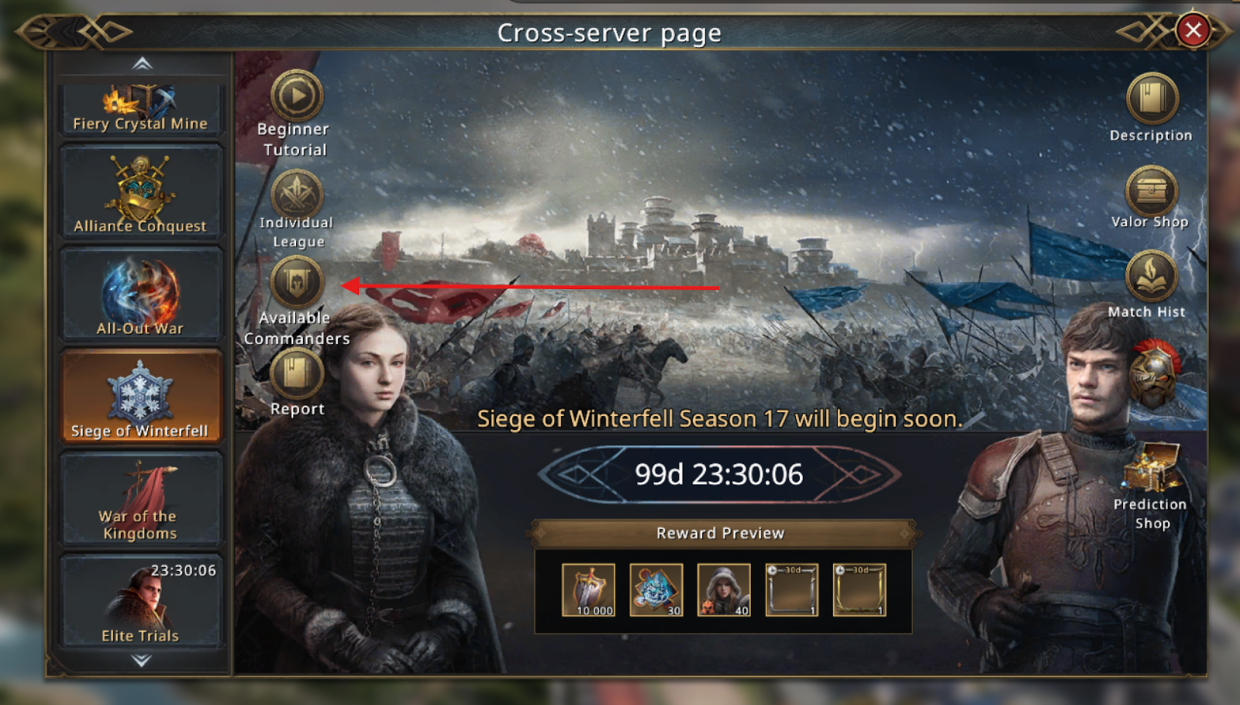
You can navigate to the page by clicking on the cross-server page icon. This icon is located right top from your world view or inner-city view.
Once you enter the cross-server page, you will see on the left a sidebar that allows you to navigate through all the cross-server events currently active and their timers when they become active.
When you have clicked on the Siege of Winterfell tab, it will show you a page where you will see a countdown that predicts the start of the Announcement Phase from Siege of Winterfell. Once the Announcement phase is over and the registration Phase starts, it will be the Alliance Leader his duty to register the alliance you belong to for the event.
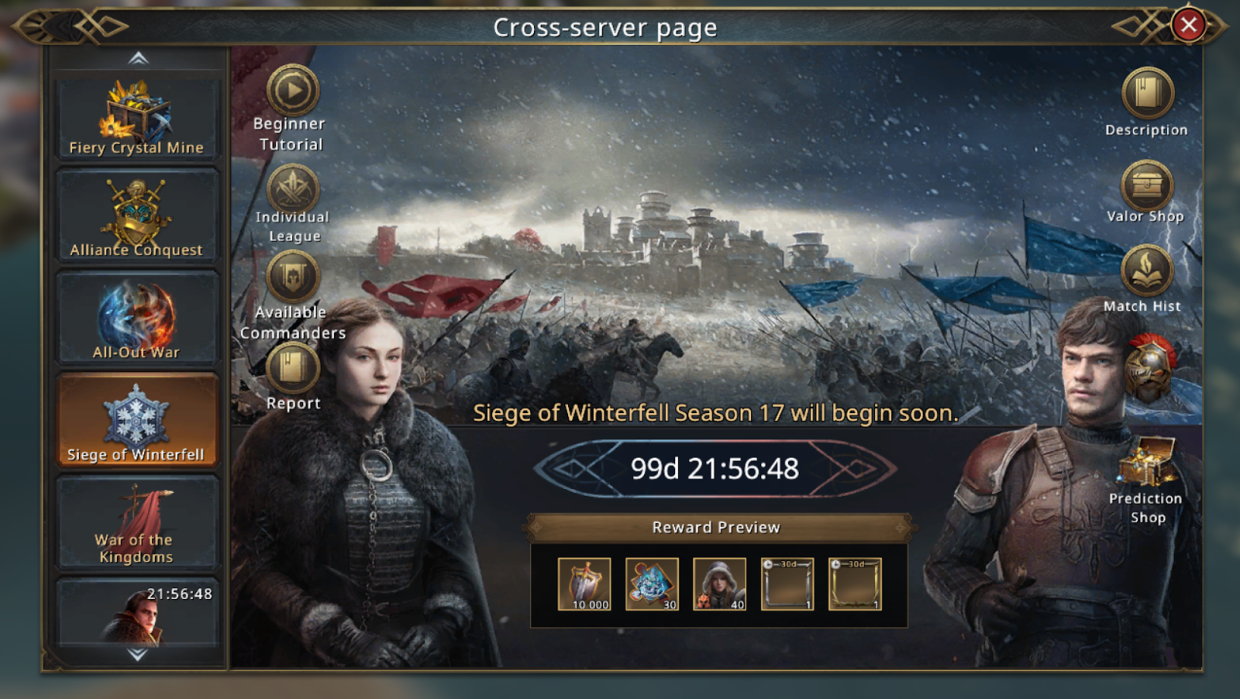
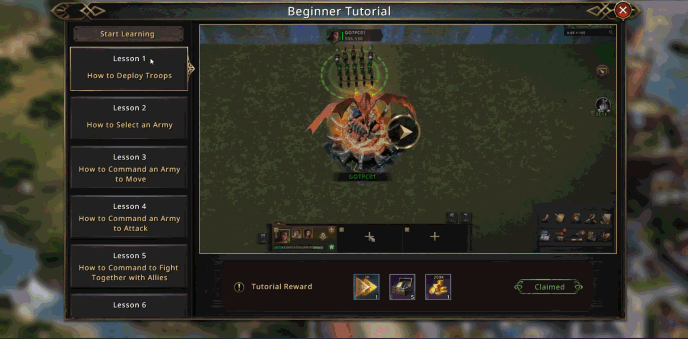
Is it the first time you play Siege of Winterfell? Then the Beginner Tutorial might be good for you to check out how the event is played. You find the access button top left of your screen, as shown in the image.
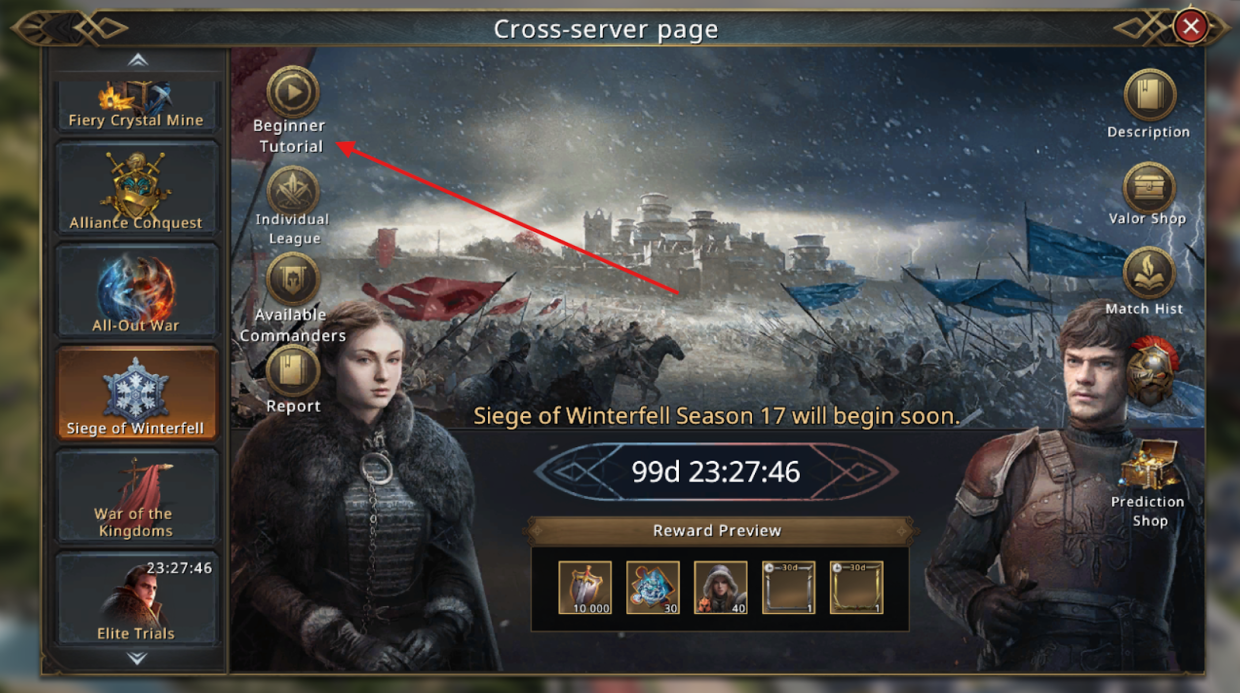
All available commanders can be found at the “Available Commanders” button.
Registration Phase
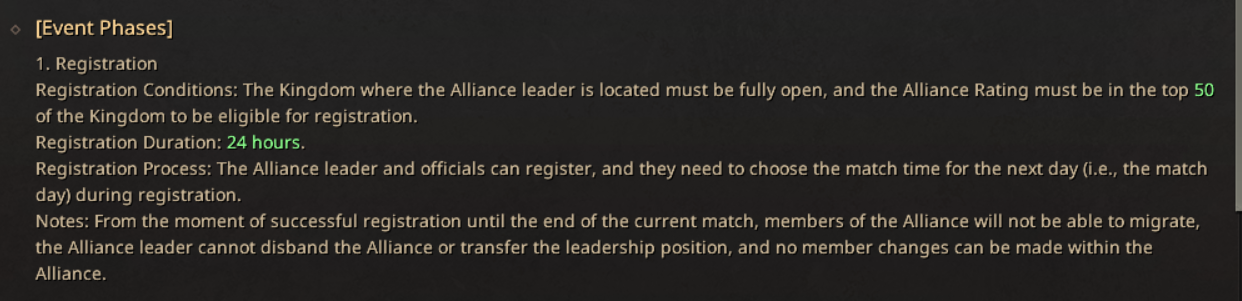
Requirement: The top 50 Alliances with the highest Power in each fully-open Kingdom can sign up to participate.
The registration time will last for 24Hours before the match day.
Registration Process
The Alliance Leader and officials can register. They have to choose the Match time on the Match Day (the next day).
Attention: From the registration until the end of the match, all Alliance members can no longer relocate, and the leader can no longer dismiss an Alliance or pass the leader position to another player”.
After registering your alliance for the first match, your alliance will be categorized into Superleague, A League, and B League, according to this plan.

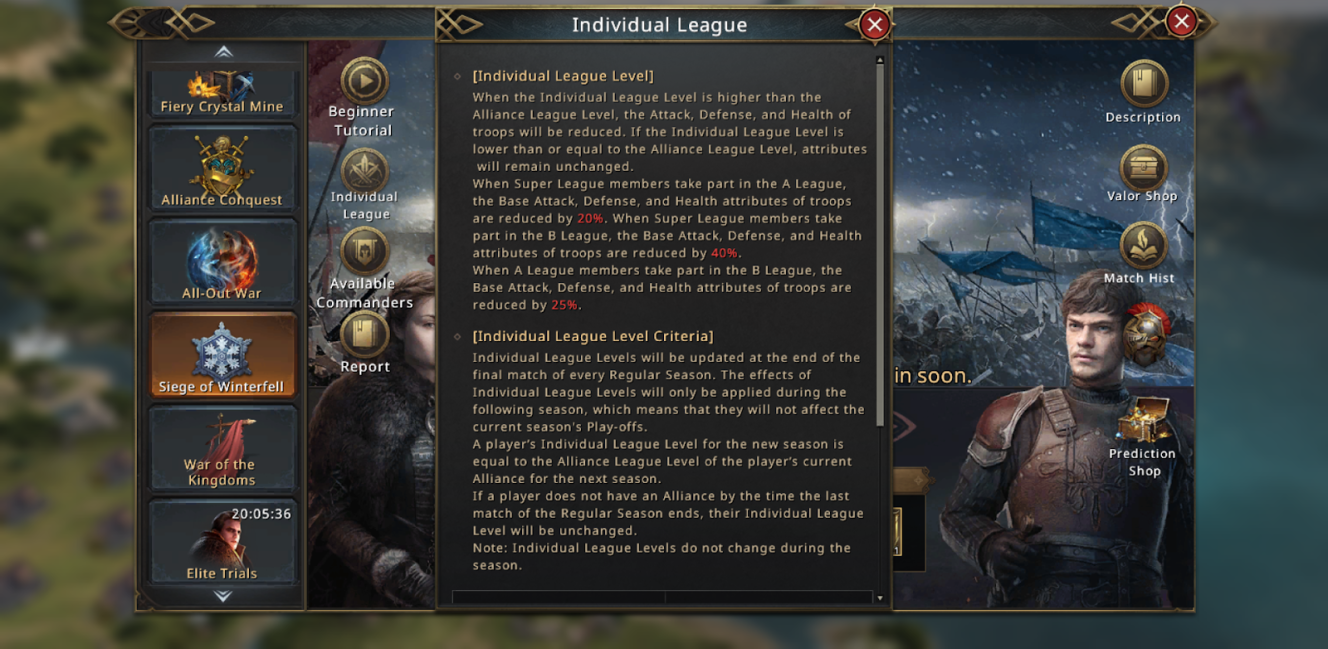
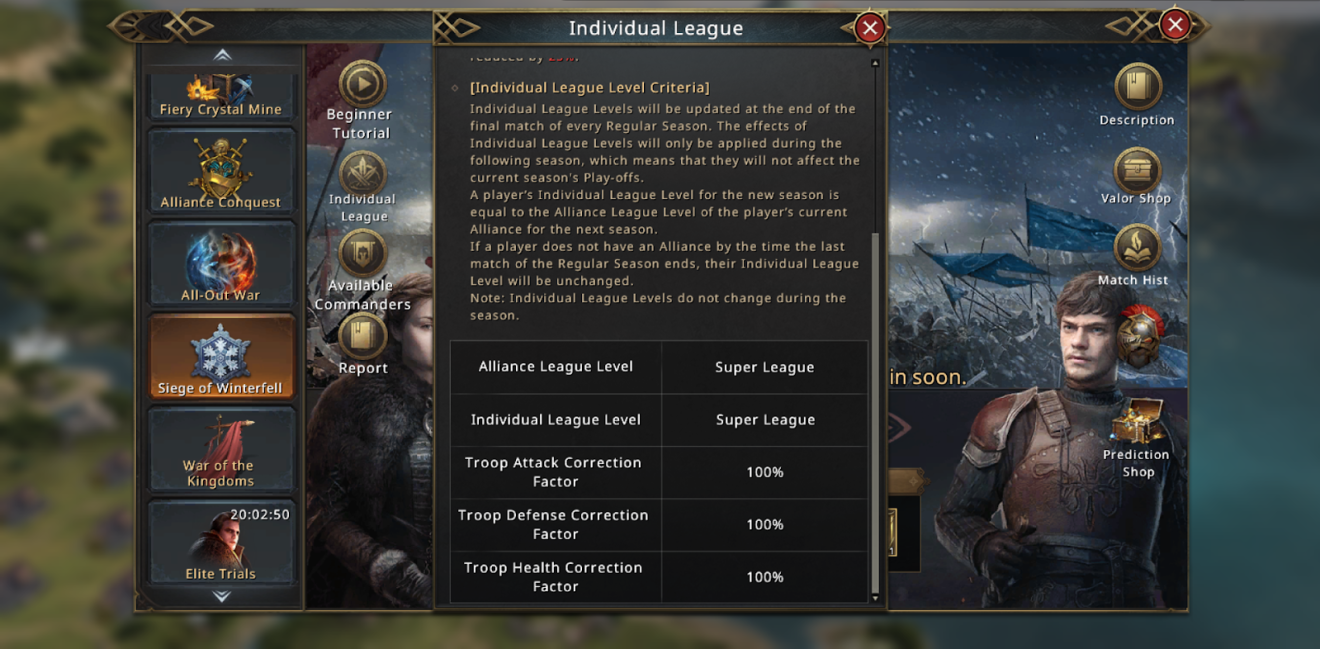
Everything you need to know about League promotion/demotion
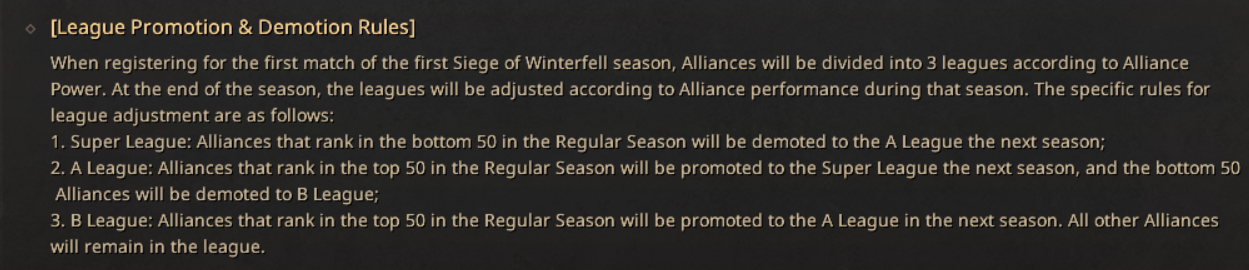
Playing the season after in a lower-ranked league will give you stat reduction
What preparations do I have to make?
Once you have entered the battlefield, all the buffs are locked in. Any new buffs you activate after entering will not apply so it is important to do your prep work.
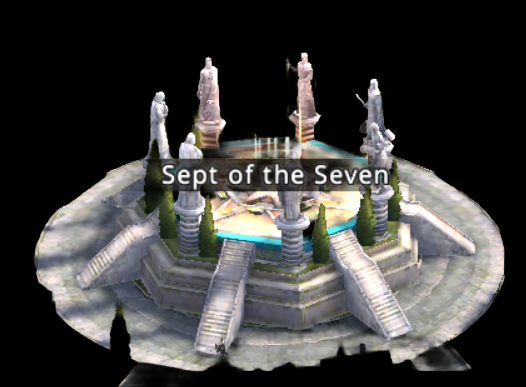
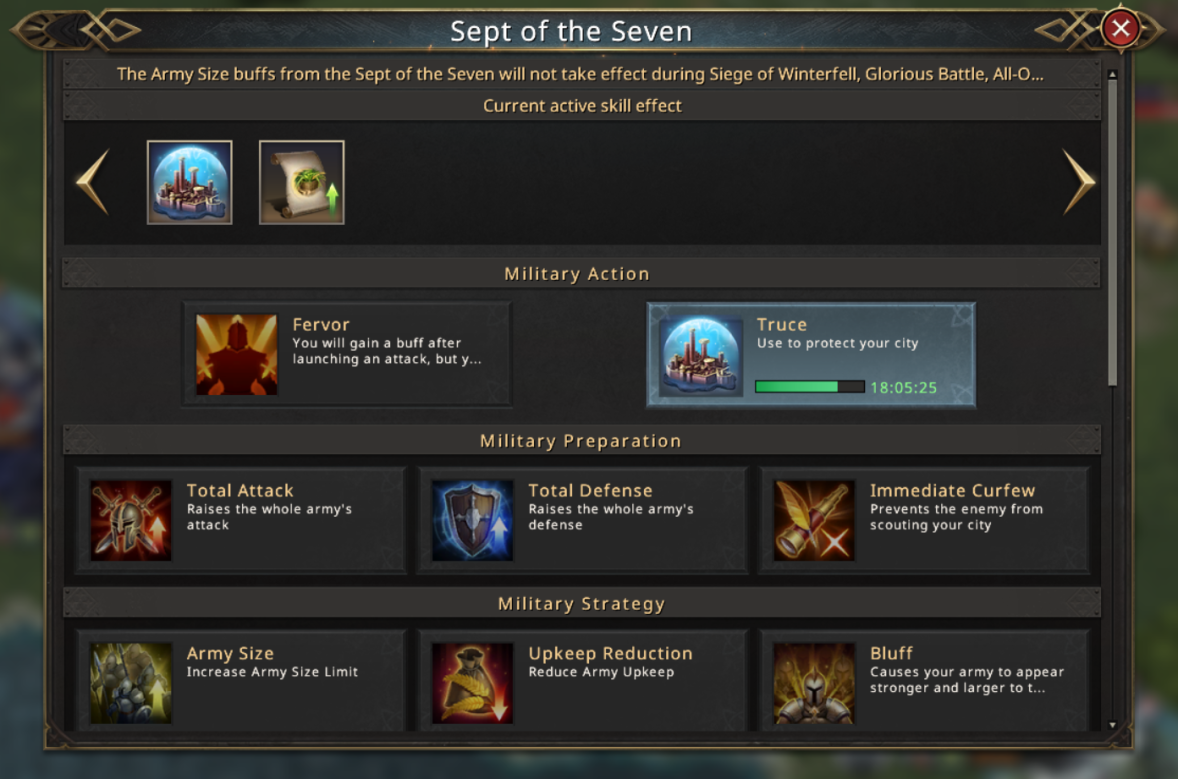
- Sept of seven buff(s) to activate
- Make sure you recall your army from expeditions; otherwise, you will not be able to choose these troops
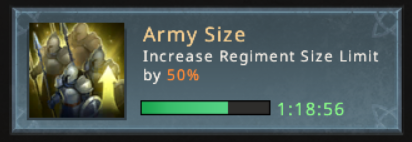
- Army Size buff will NOT apply in Siege of Winterfell
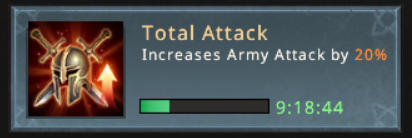
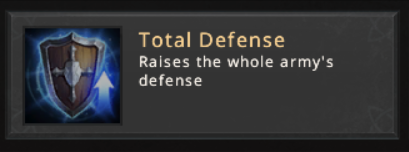
- Activate a Total Attack or Total Defense buff
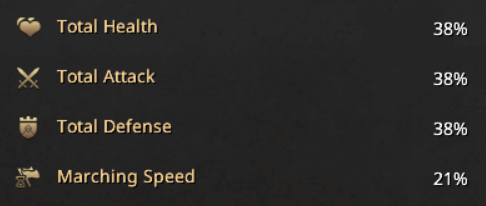
- Execute an enemy Lord to receive the Hall of Faces buff
- Set your gear, talents, and buffs before entering; you cannot change these once on the battlefield.
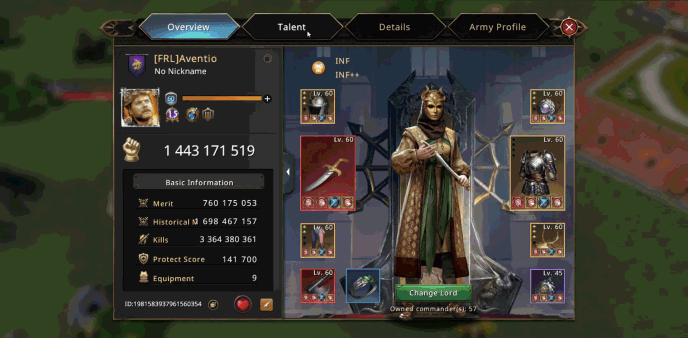
- Make sure you have enough troops from the highest Tier that you have to play with to cover 3,000,000 troops (+1,000,000) troops that you can take into the battlefield.
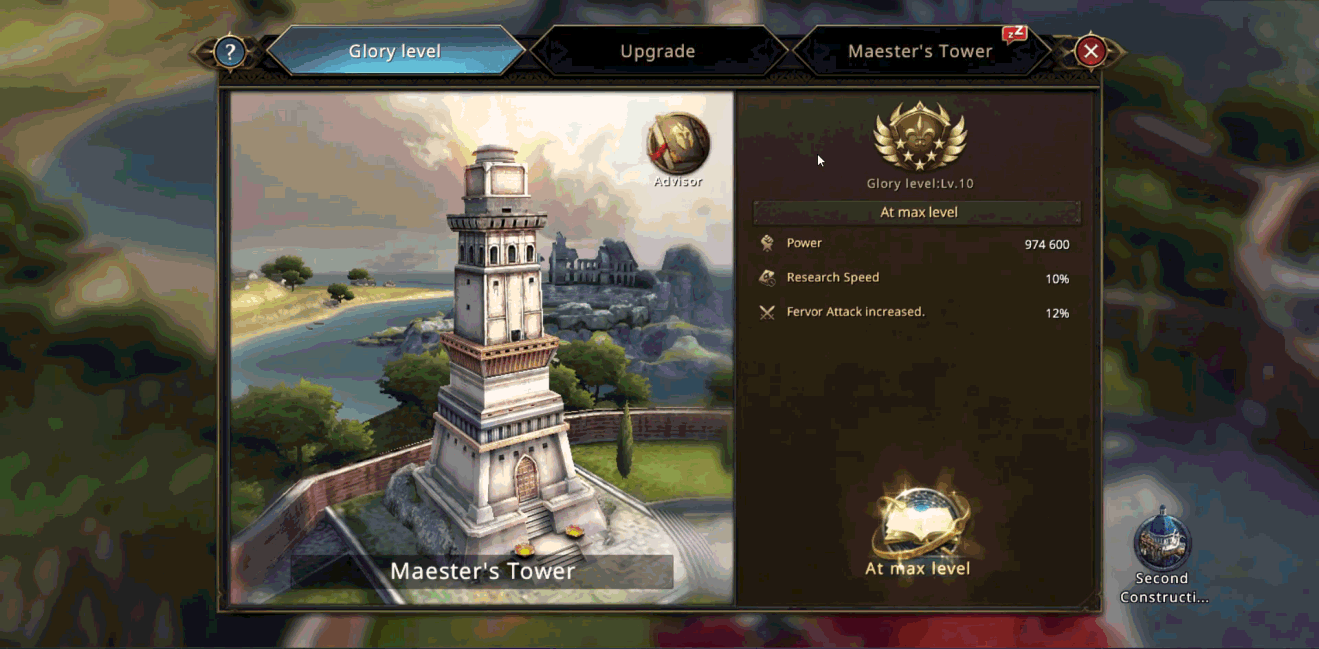
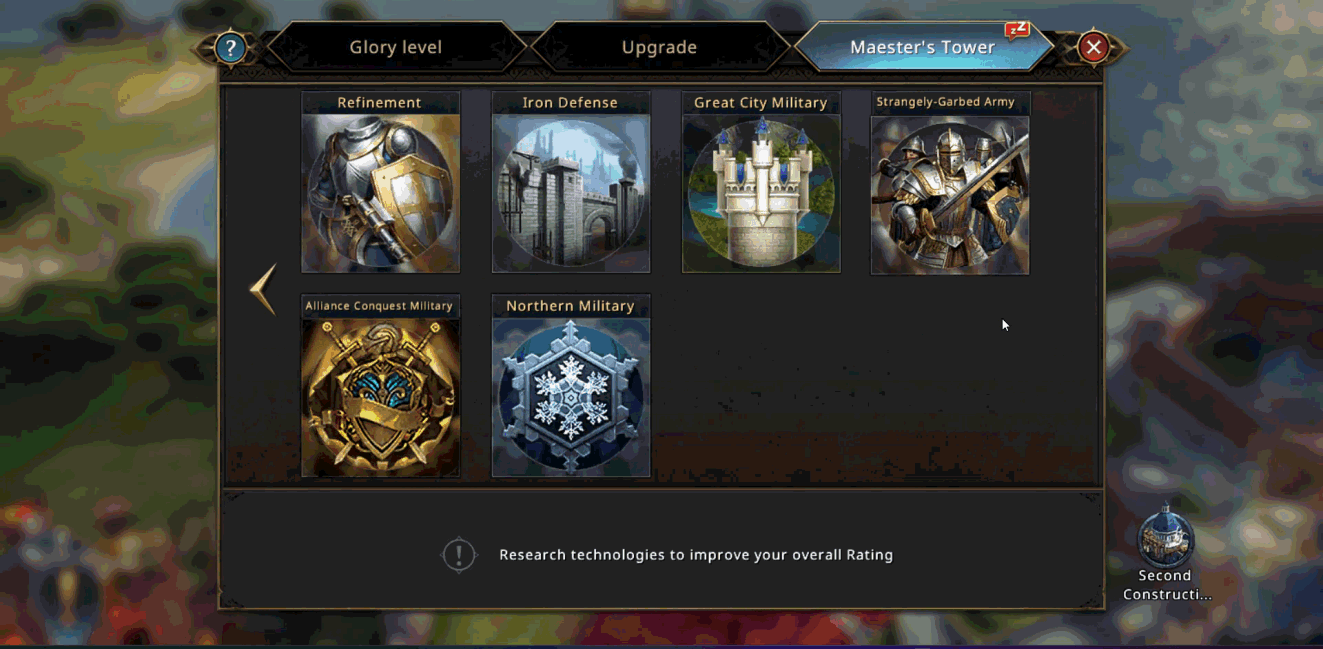
Go to the Maester Tower, the subcategory Siege of Winterfell Northern Military, there you can research Troop Size, on maximum level it gives you 1,000,000 troops extra in Siege of Winterfell.
- Configure your fight formation
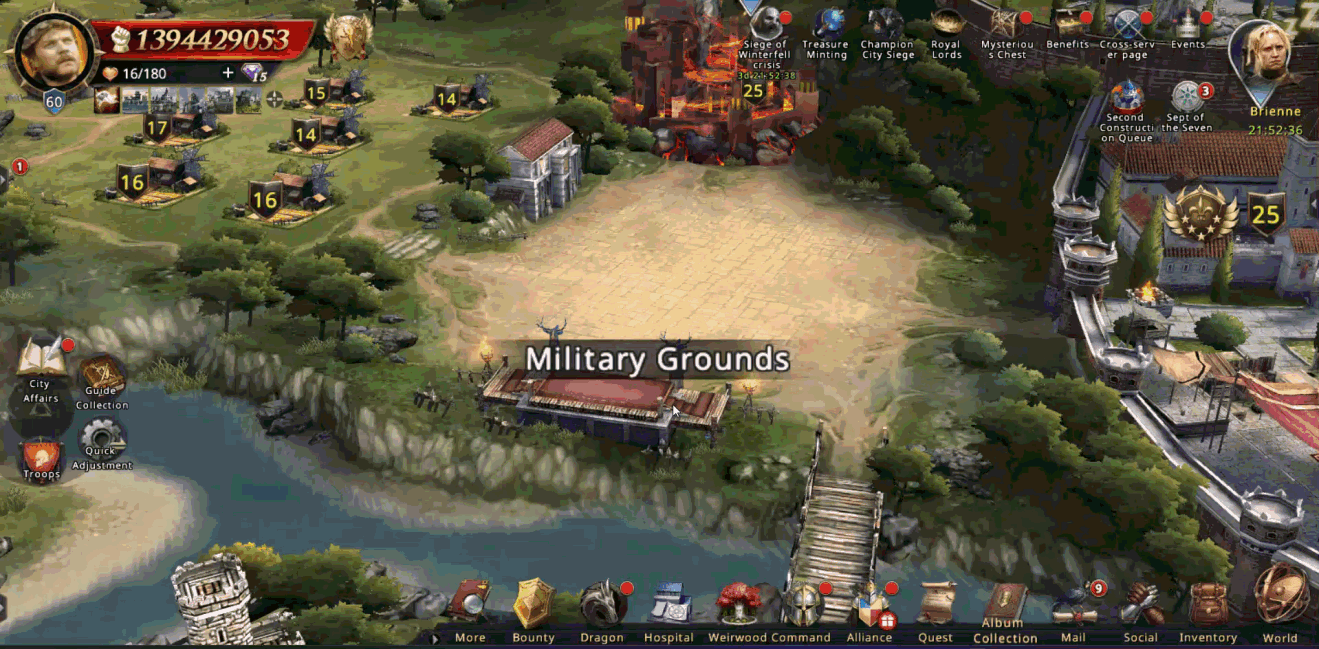
Military Grounds - Preset Real-Time Strategy
Think about a strategy
- Focus on high-value buildings and ensure you can retain them for as long as possible.
- Healing is fast and partially free in Siege of Winterfell, don’t be afraid to send repeated marches!
- Communicate a plan with your alliance about who will focus on which buildings.
- Only the alliance leader can use Alliance Tokens for purchases such as healing speeds, so coordinate supply usage
- Active participation is critical, encouraging all eligible alliance members to attend; numbers win in the Siege of Winterfell!
- Use in-game chat or external platforms for real-time strategy adjustments.
- After each battle, review what worked and assign new roles as appropriate for the next match.
- Know your enemy, always find out who their strongest players are to exploit their weaknesses.
- Use a team with the Intercept dragon skill on Winterfell.
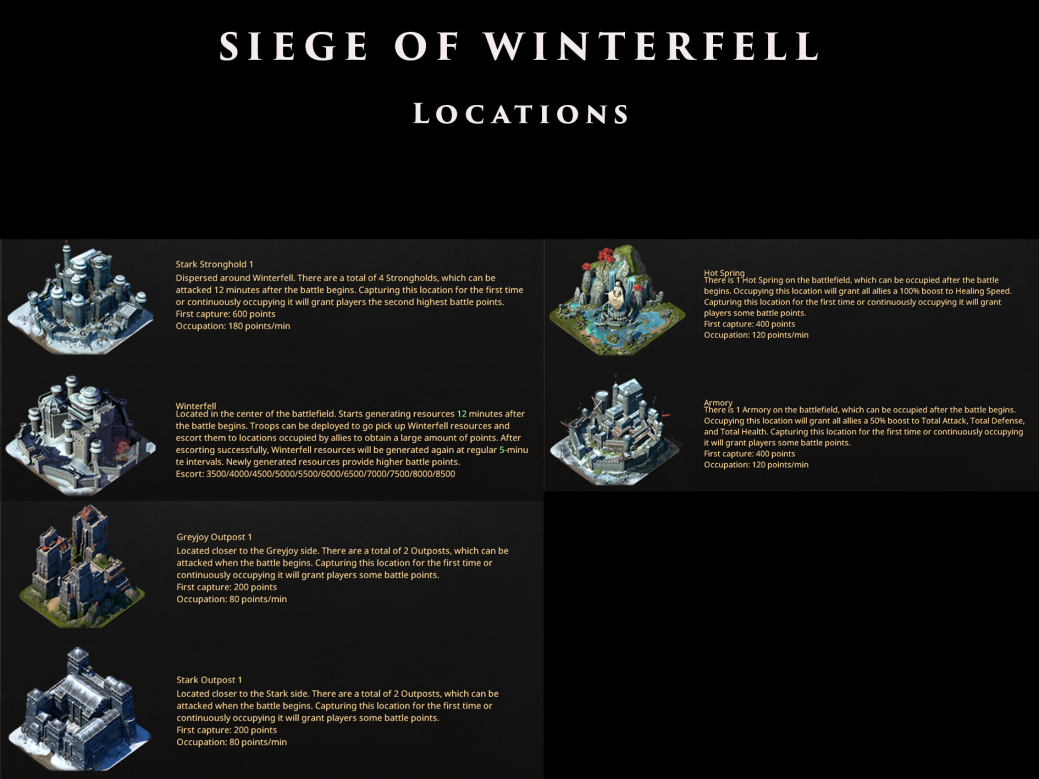
The map features 11 bases: 1 Winterfell, 4 Strongholds, 2 Stark outposts, 2 Greyjoy outposts, 1 Armory, and 1 Hot Springs. You can find here how many points each building is generating.
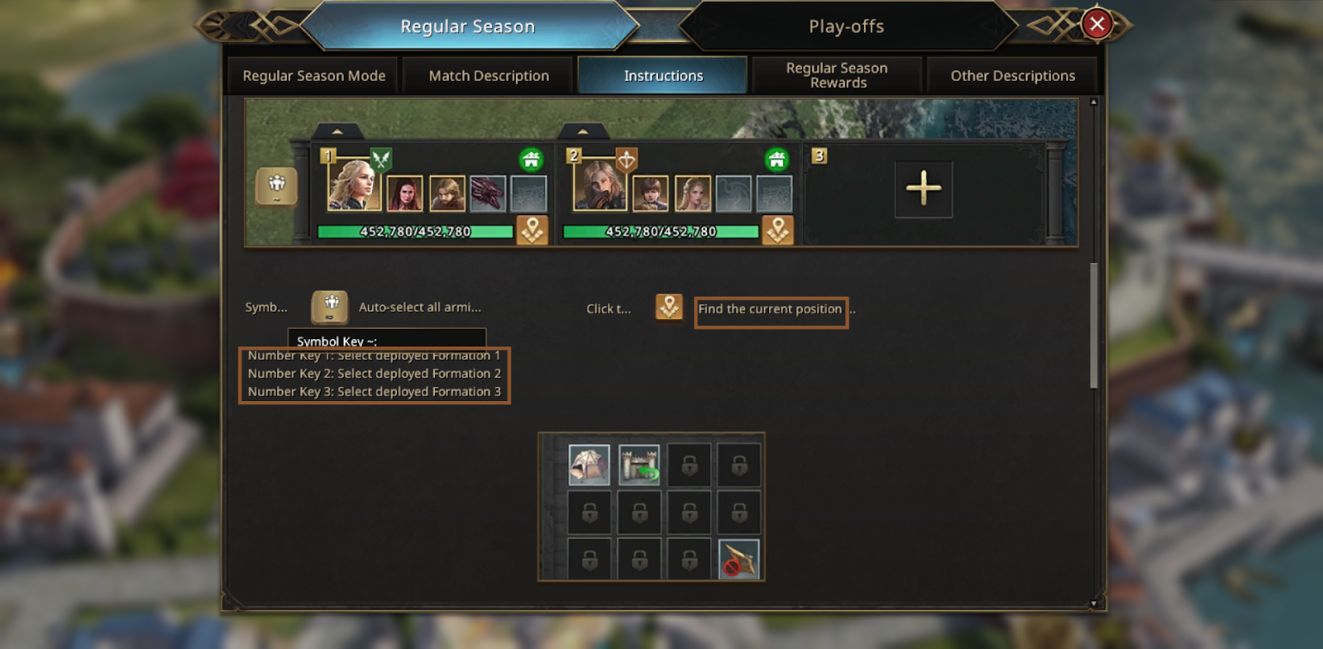
The event also offers the use of dedicated hotkeys that make gameplay comfortable.
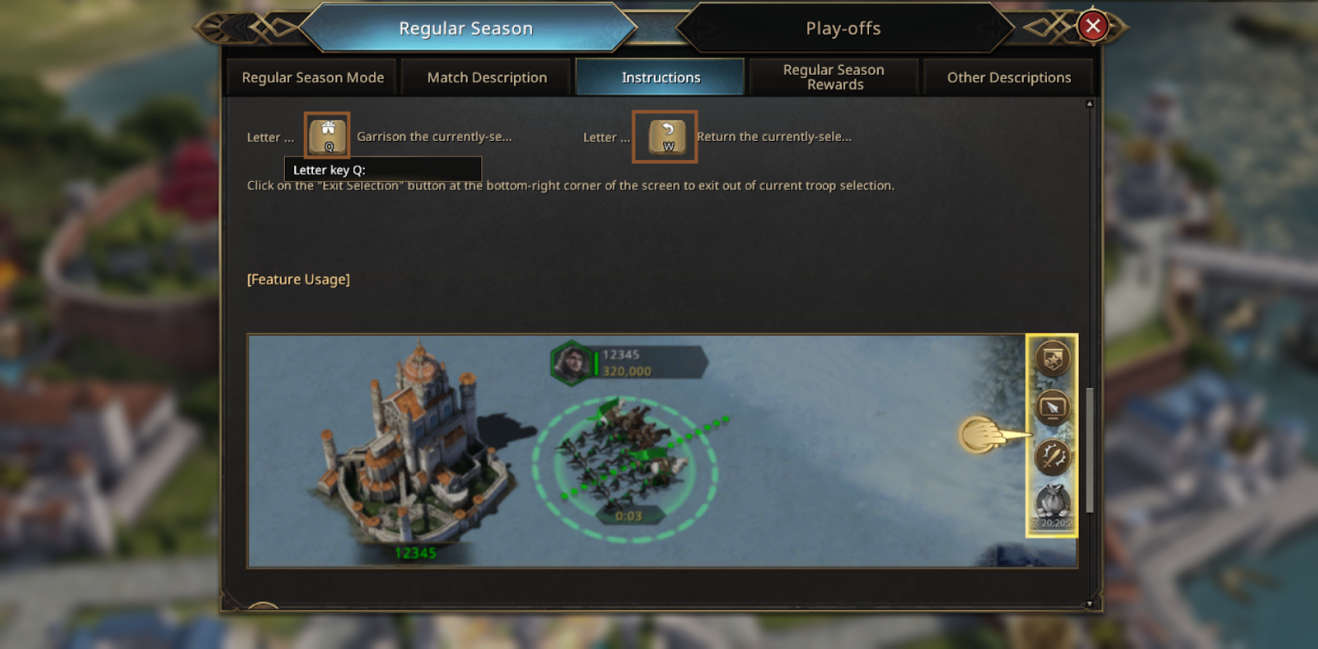
Pay attention to disabling Simplified Mode; when disabled, you will be able to see the troop health of your allies and opponents.
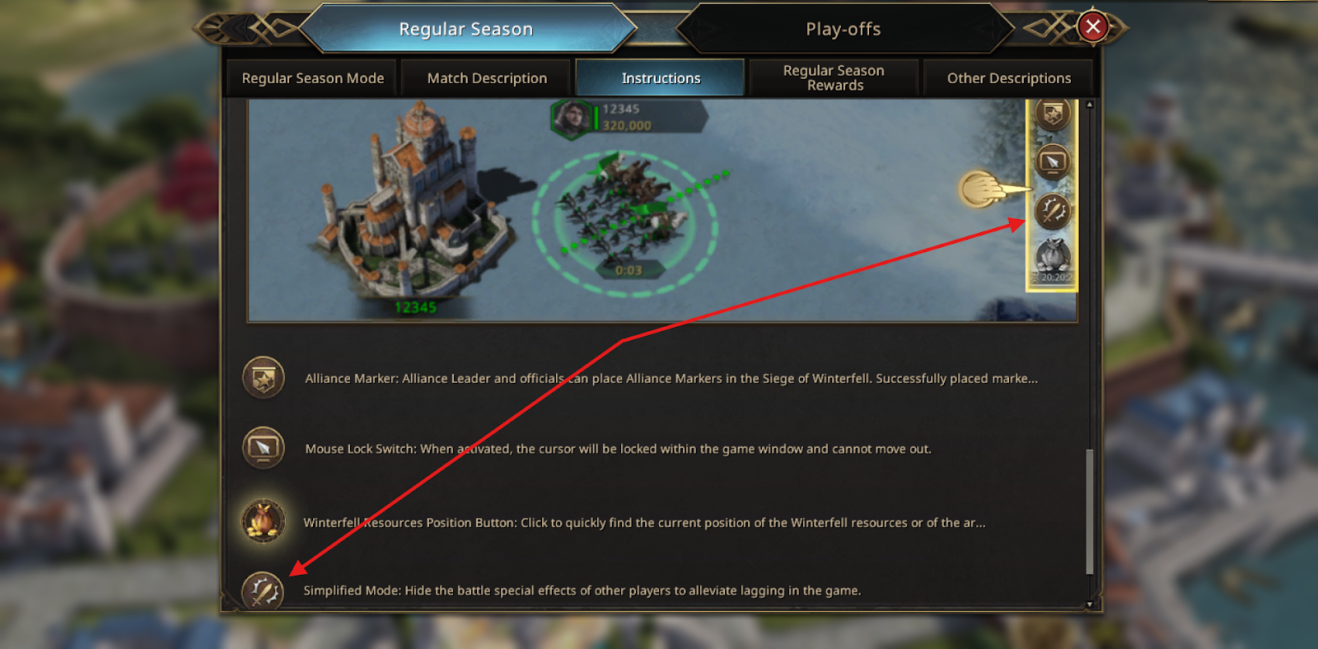
This icon you will see appearing when a bag is generated at Winterfell, when you are close to the bag, and a lot of armies are fighting over the bag, use the icon to perform capture.

After each match, you will receive a winning or losing reward.
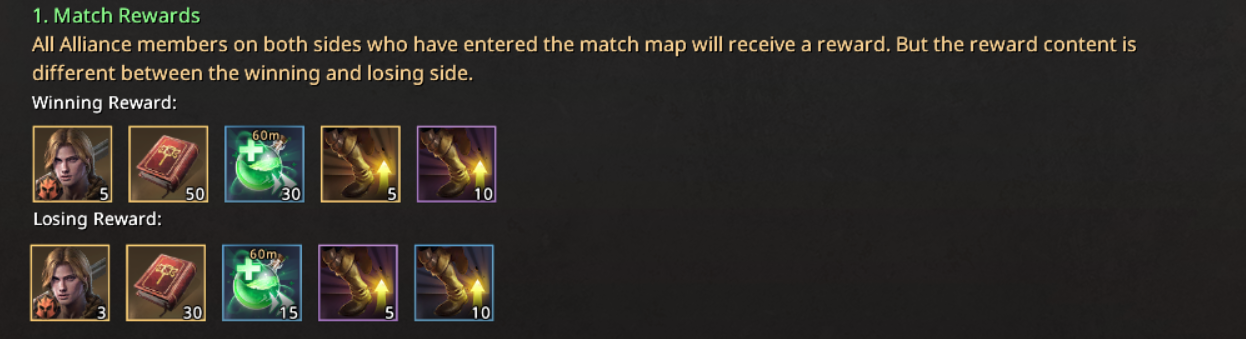
In a range of 20,000 - 80,000, you will get rewards. These rewards are cumulative; you will get them based on the score after the match has ended.
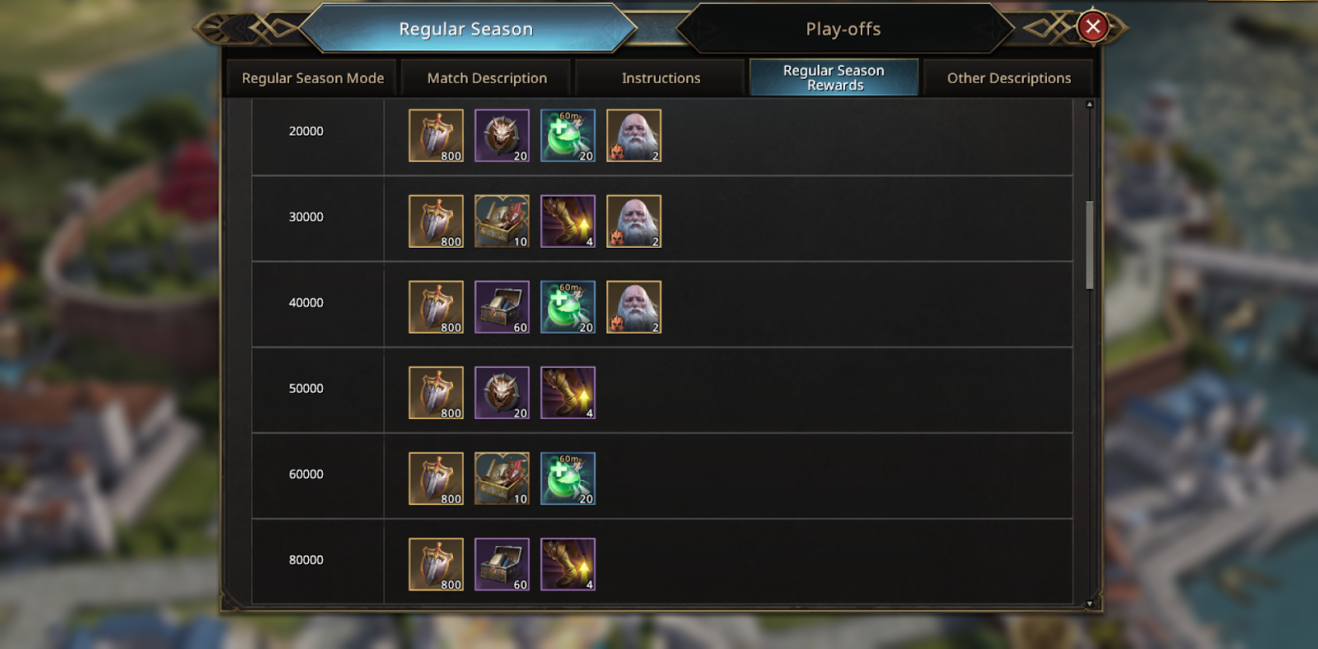
Each season, you will get rewards, which are divided into
- Win at least 3 games
- Top 3 Elimination from the Alliance
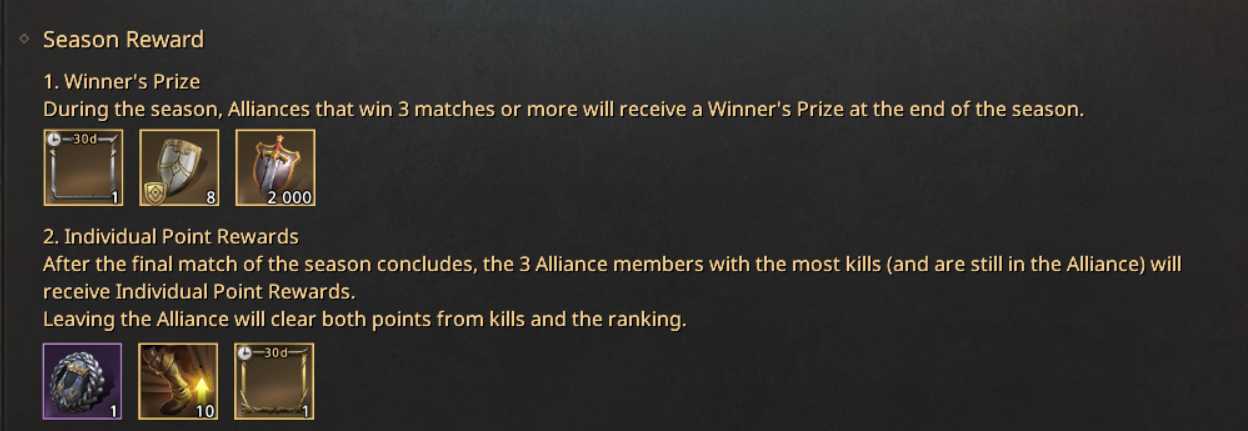
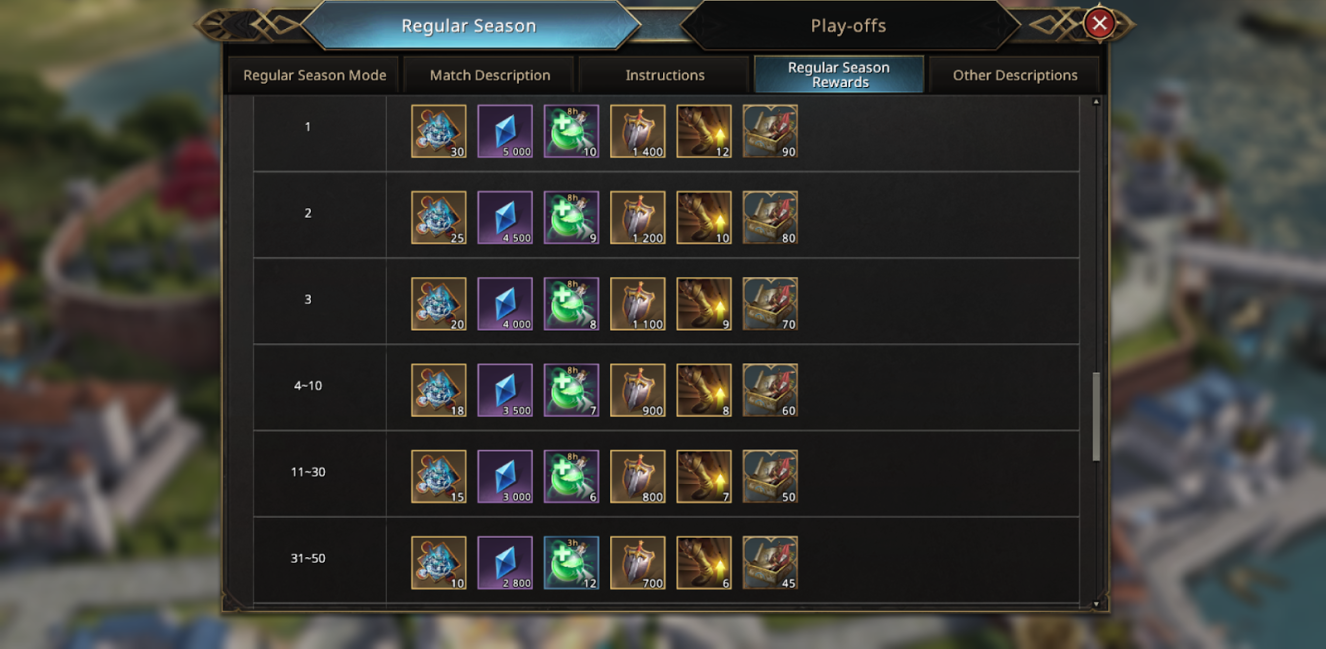
- Alliance Season Ranking Rewards

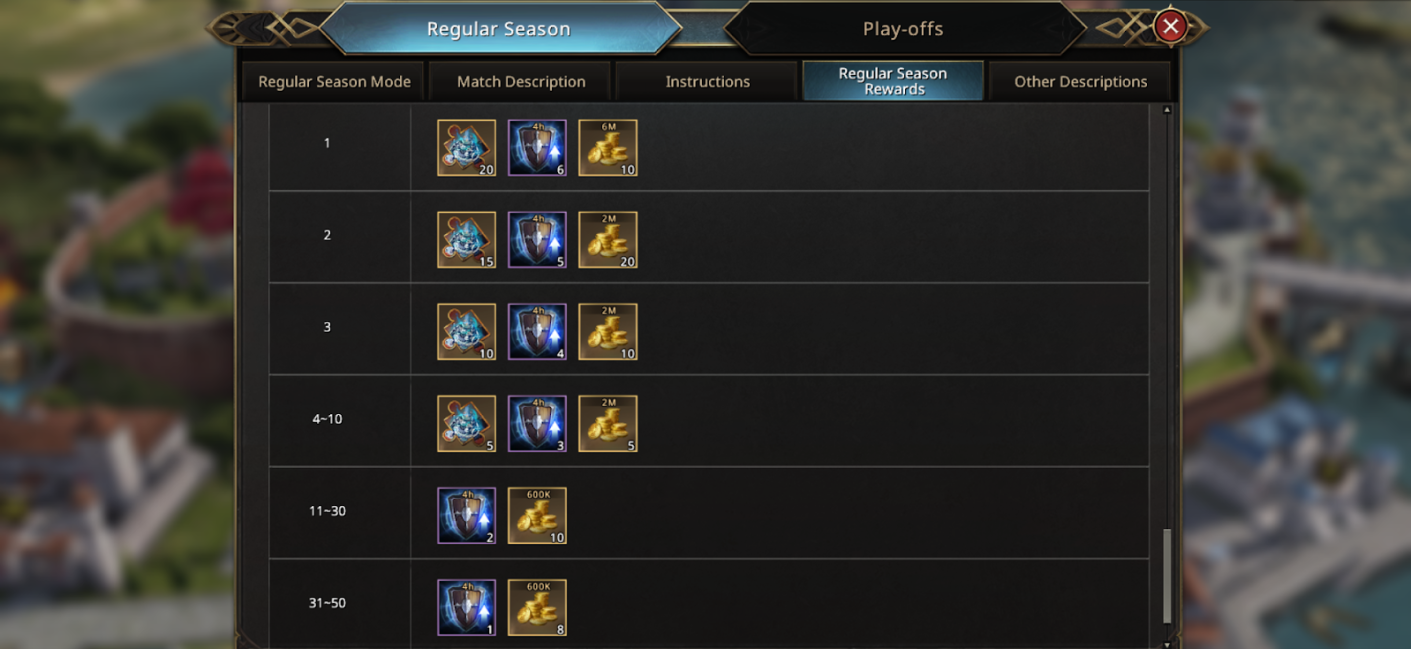
- According to the players' Seasonal Individual Elimination Ranking, they will receive additional rewards.
- Research Initial points in Northern Military, they will give you +100 additional points upon entering the battlefield.
Special thanks to Chronicler Aventio for creating and sharing this guide with the community.
Translate

Popular Posts
1
![[PLAYER GUIDE] Troops, Recruitment and Battles (Update October 2025)](https://oss.gtarcade.com/gtar/b2c8d9b1-c40d-4bd7-867f-29b8b35c71a0_2020-08-26.png?x-oss-process=image/resize,w_150,h_150)
[PLAYER GUIDE] Troops, Recruitment and Battles (Update October 2025)
20 discussions 75 views
2
![[PLAYER GUIDE] Commanders Overview - Complete List (Update October 2025)](https://oss.gtarcade.com/forum/png/2025-11-06/278037_3e40ec21-f7c2-404b-9c55-89a4e23e76fc_042040.png?x-oss-process=image/resize,w_150,h_150)
[PLAYER GUIDE] Commanders Overview - Complete List (Update October 2025)
89 discussions 343 views
3
[PLAYER GUIDE] Main Hand Weapon Locking (Update November 2025)
17 discussions 140 views